Reports: Appointments
The Appointment Reports in Sanoflow offer a comprehensive tool for businesses, particularly those in service sectors such as healthcare, wellness, and consultancy, where managing appointments is critical to operations. This reporting feature allows for detailed tracking, analysis, and optimization of all aspects related to scheduled appointments. Here's an in-depth look at the capabilities and benefits of the Appointments Reports in Sanoflow:
Detailed Performance Metrics by Category
Users that did not subscribe to our Appointments Module will not be able to view this reports section.
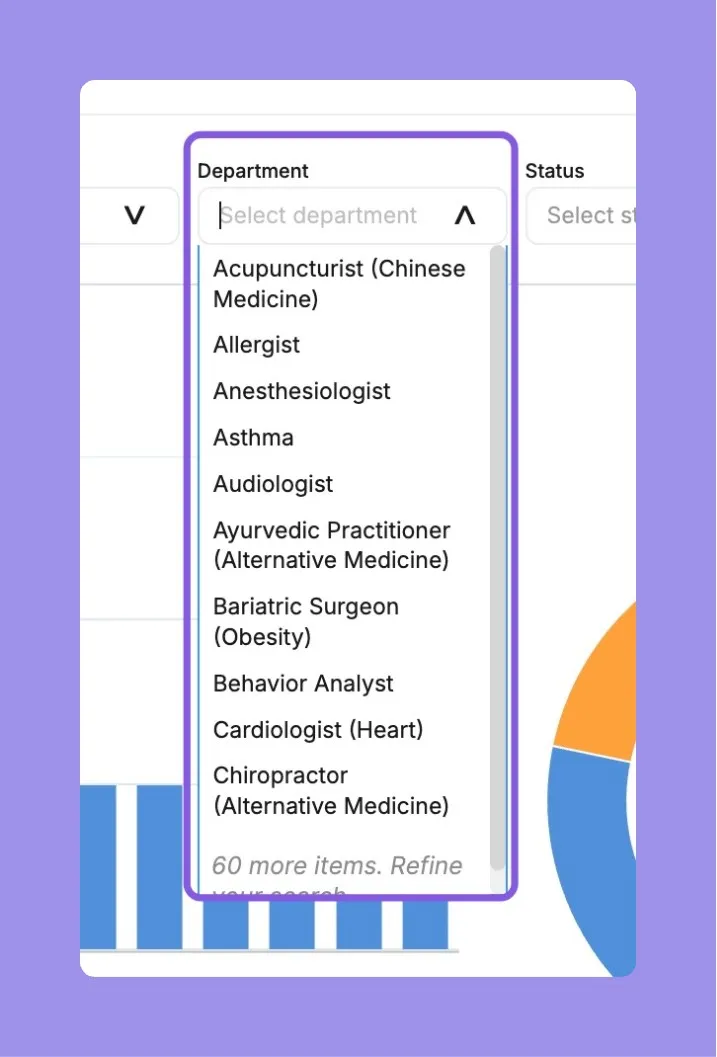
By Department
Analyze appointments by department, which is particularly useful for multi-department organizations like hospitals or large clinics. This helps understand which departments are facing higher demand and may require additional resources or process optimization.
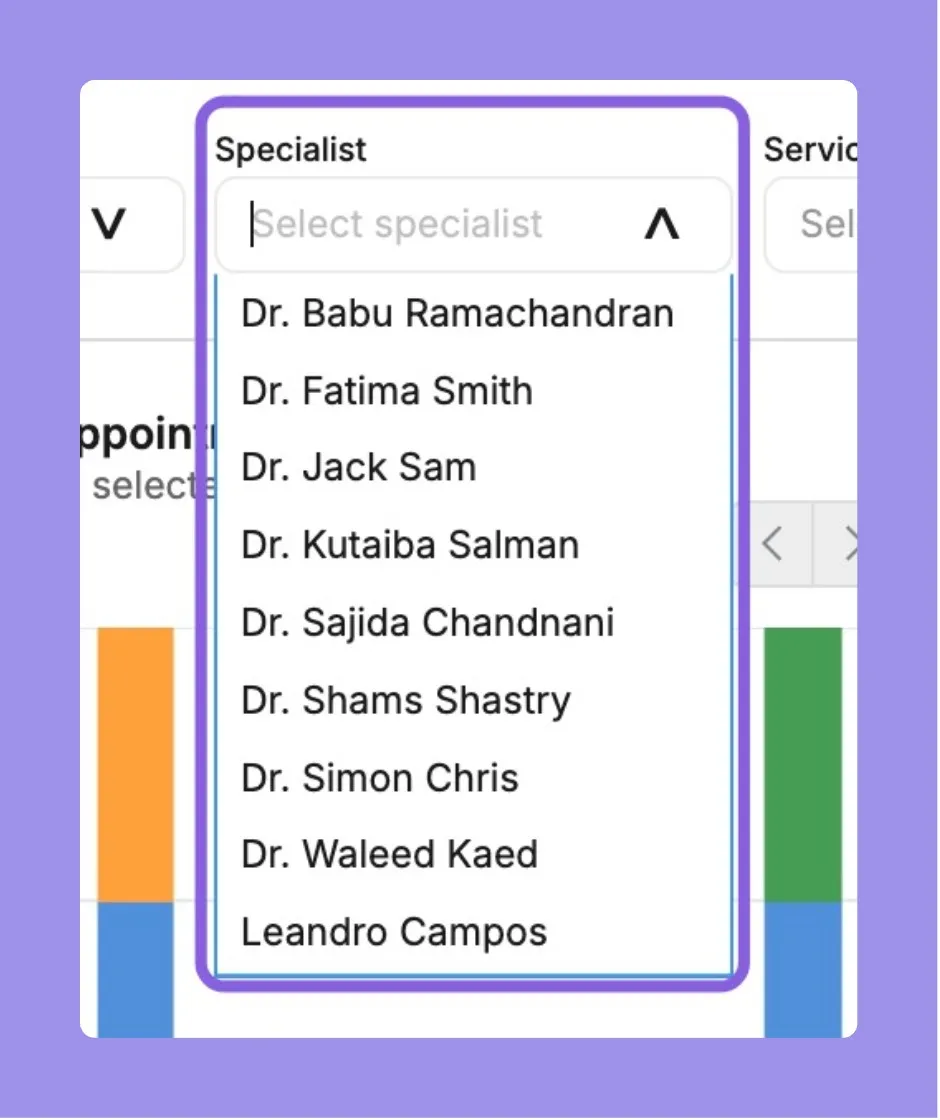
By Specialist
For businesses that operate with multiple service providers, such as clinics, salons, or law firms, tracking performance by specialist can provide insights into individual workloads, efficiency, and customer preferences.
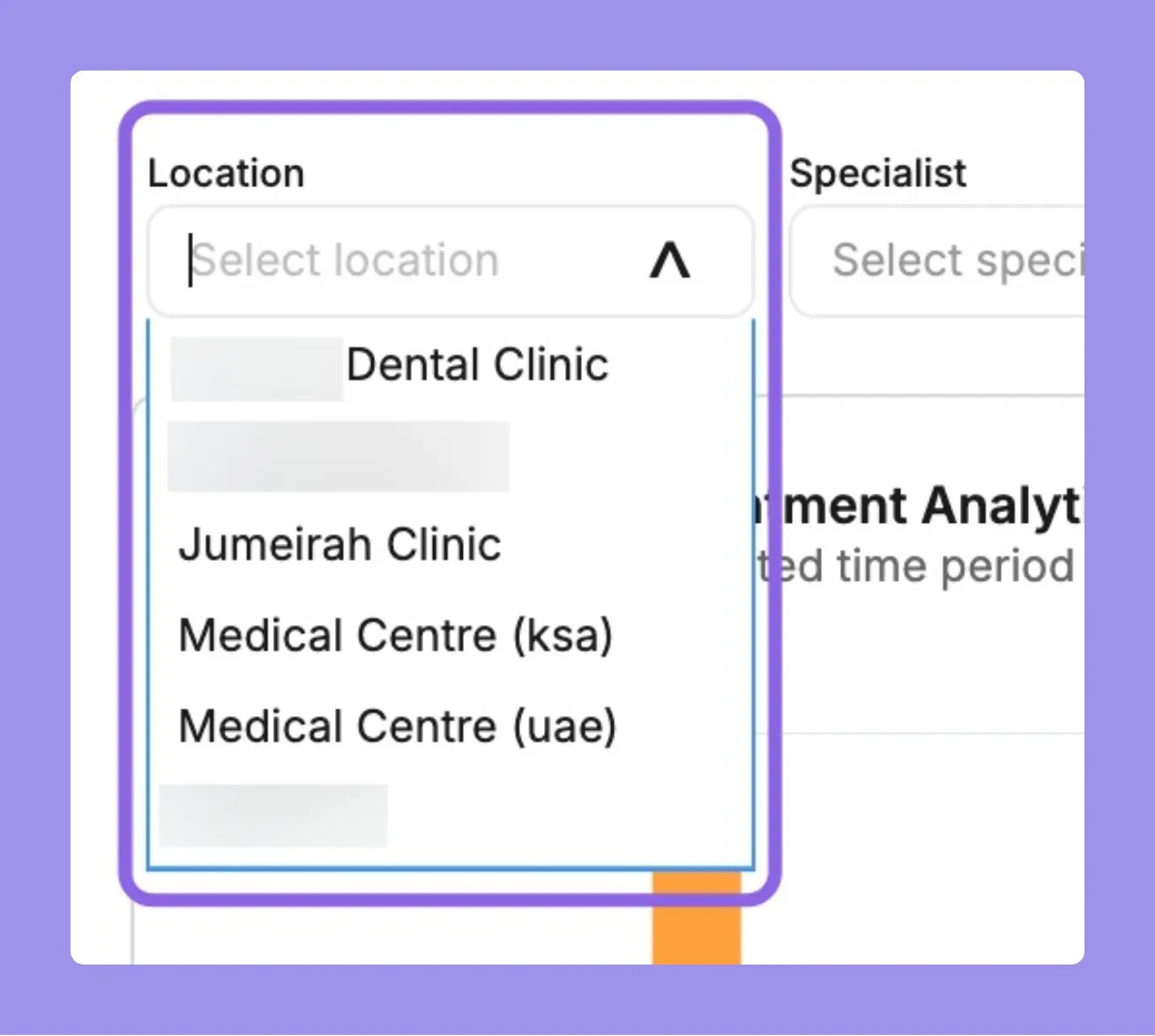
By Location
For businesses with multiple operational sites, it’s crucial to monitor appointments by location to manage local marketing efforts, staffing, and operational planning effectively.
Status-Based Insights
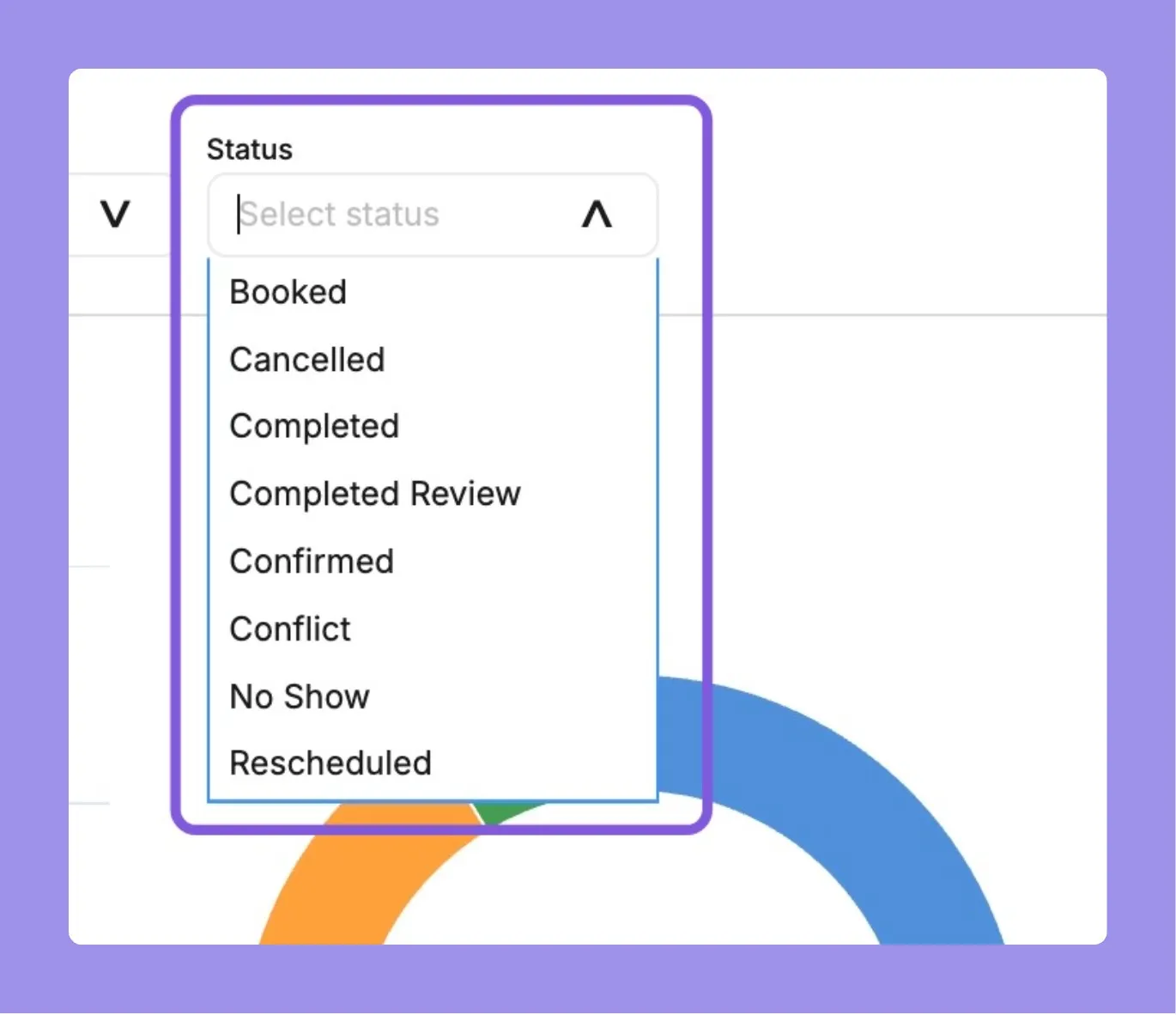
Appointment Status Overview
Monitor the current status of all appointments, categorized as confirmed, canceled, rescheduled, or no-show. This overview is essential for managing daily operations and understanding customer behavior.
FAQs
- Only users subscribed to the Appointments Module can view this section. If you don’t see it, you likely don’t have access. Contact your admin to confirm your module access.
- Can I filter appointments by both department and specialist simultaneously?
- Currently, filters like department and specialist operate independently. You can toggle between them but not apply them together in a combined filter view.
- Does the report show appointments created outside the selected location but assigned to it later?
- No, appointments are categorized based on their final assigned location at the time of reporting, not based on creation origin.
- Can I track appointment trends over time (e.g., week-over-week or month-over-month)?
- While the current report provides categorical breakdowns, trend analysis over time may require exporting the data and visualizing it externally.
- Are no-show appointments automatically flagged in the report?
- Yes, if an appointment is marked as a no-show in the appointment system, it will appear under the “No-Show” category in the report.
- How frequently is appointment data updated in the report?
- The Appointments Reports are updated in near real-time. However, minor delays may occur depending on system syncing.
- Can I see how many appointments were rescheduled versus canceled within a department?
- Yes, status-based insights break down the count of appointments by type (confirmed, rescheduled, canceled, no-show) within each category such as department or location.
- Is there a way to export the appointments data for external analysis?
- While not all report formats are exportable, most visual tables include right-click options to download or export for offline use.
- Can I compare performance between locations in the same view
- Comparative views aren’t supported side-by-side within the interface, but you can switch between locations or export data for comparison externally.
- This could be due to how appointments are assigned or limitations in the scheduling system. Review your booking workflows to ensure proper specialist mapping.